A better home
for tournament day.
Publish events across activities. Built-in rounds support free, unrated chess. Paid entry stays with the organizer; rated reporting is not available.

From an idea to event day.
A saved draft, a clear audience and a page ready to share.

Step 1
Set up your event
Create a host workspace, then add the name, dates, location and divisions. Your draft saves as you go.
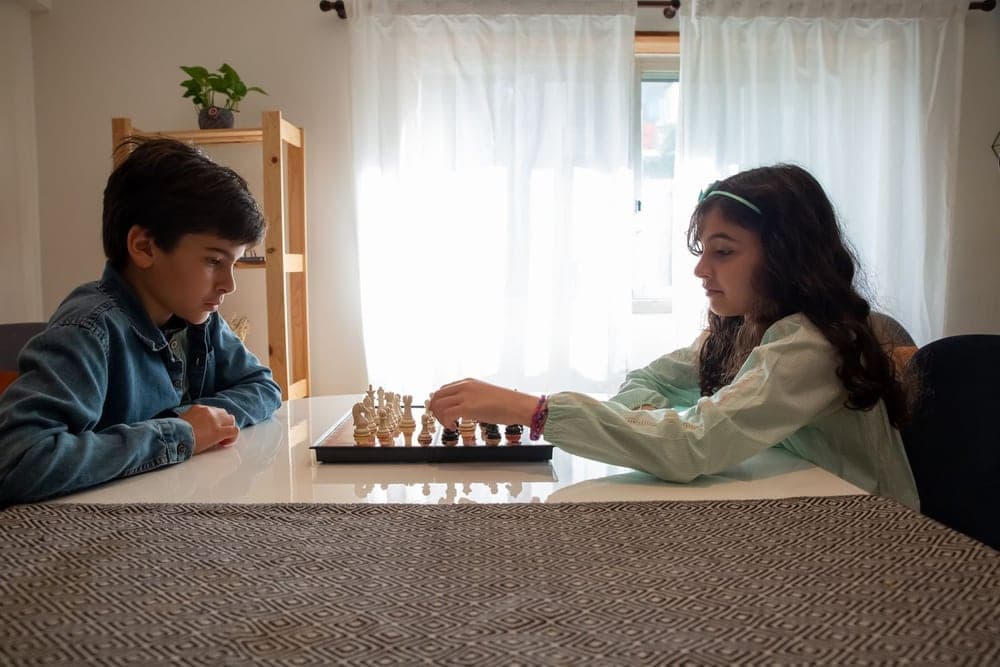
Step 2
Choose who can enter
Open it to the public, or keep it to your school, district, club or selected students. Preview the page before you publish.
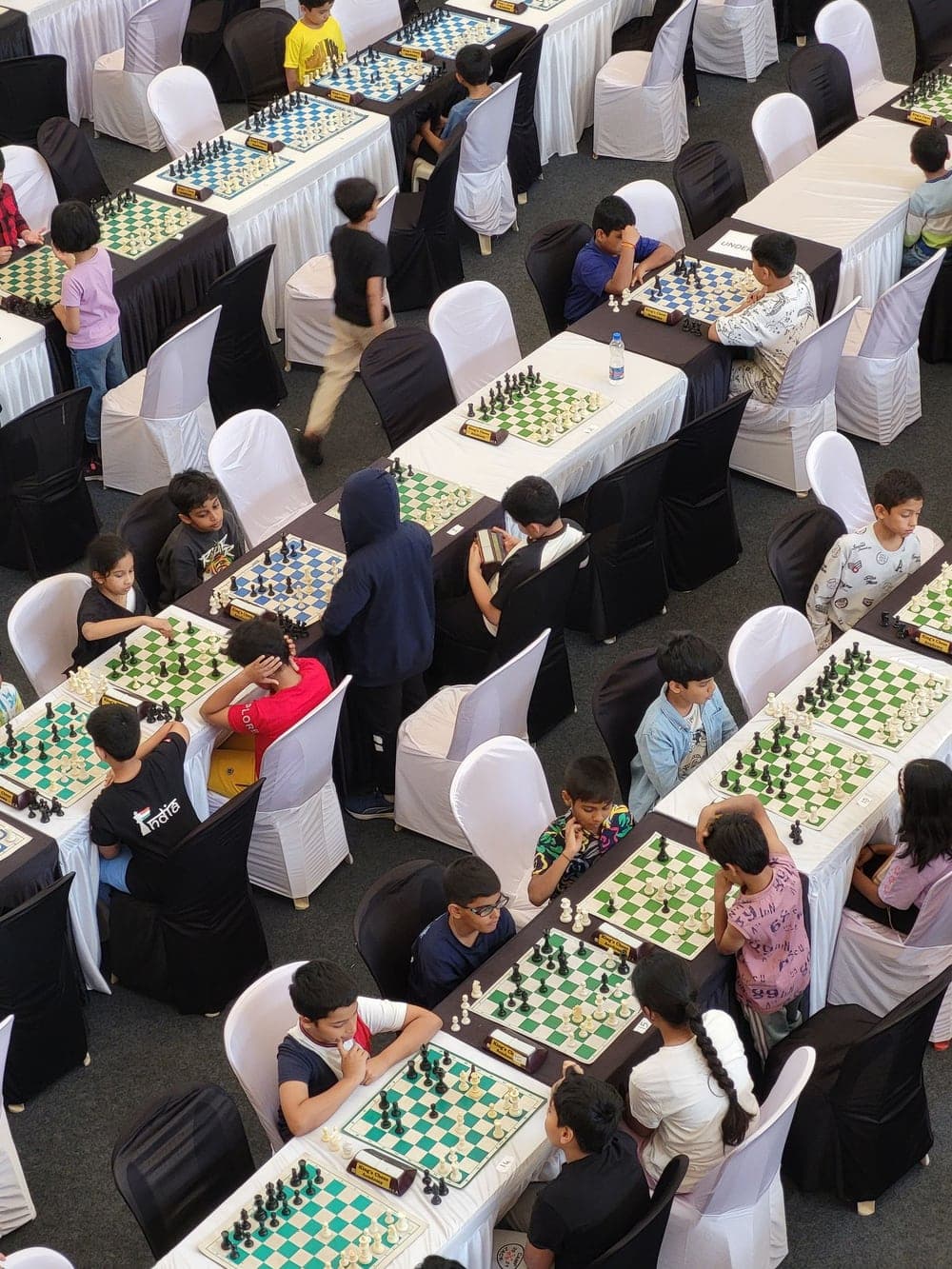
Step 3
Run event day
Review entries with your staff, take attendance and post results when the rounds are done.
Everything families need to enter.
Your competition gets one page students and parents can find, read and enter. Keep the details, audience and organizing staff together.
Date, place and directions
In person or online, with address lookup and an optional venue map.
Divisions
The grade or rating splits families need before they enter.
Entry
Collect free entries with your own logistics questions and private staff review. Paid events keep their external registration link.
Your organizing team
Invite staff to review entries, take attendance and add results.
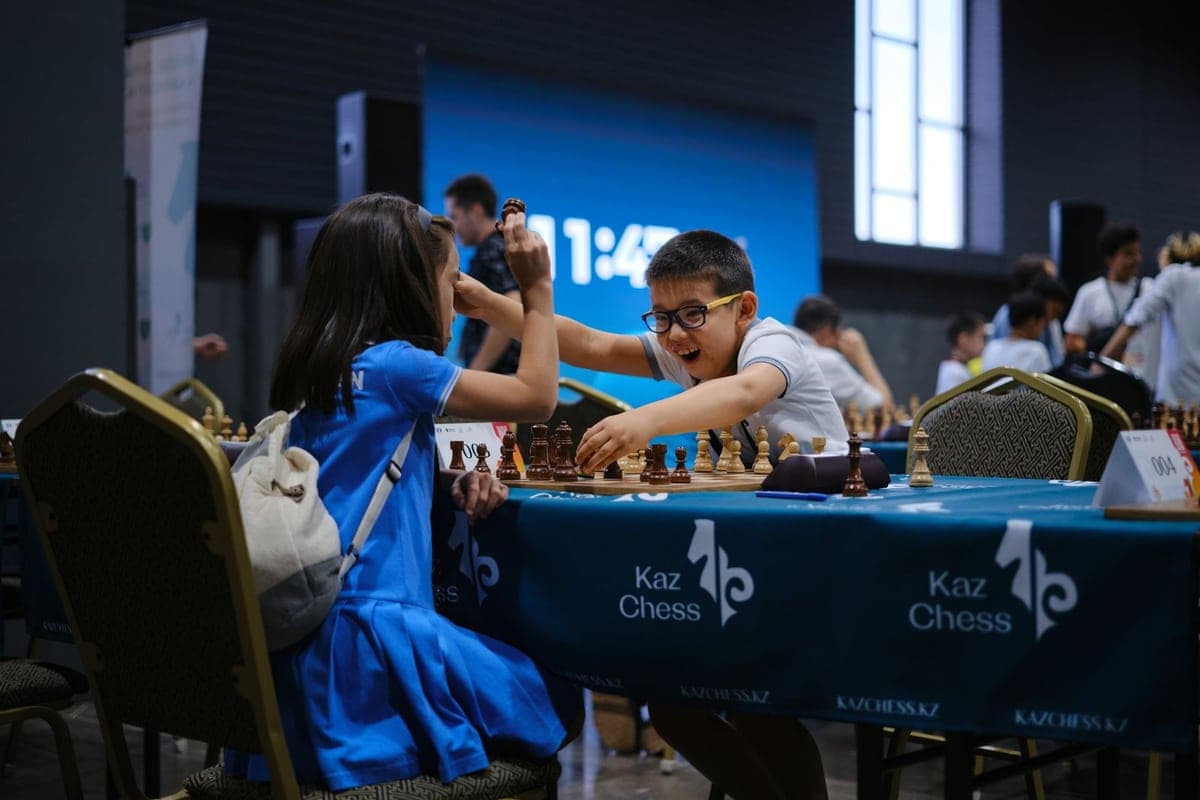
Example event page
Chess
Riverside Scholastic Open
Hosted by Riverside Chess Club
- When
- Saturday, 9:00 AM
- In person
- Where
- Riverside High School
- Library · Venue map
Divisions
- Primary (K–5)
- Middle school (6–8)
- High school (9–12)
Free entry
Registration on Causey
A workspace for the people running it.
Independent organizers
Run a tournament or series under your own name. Adults 18 and older with a verified email can create a host workspace.
Clubs
Host from your club workspace and invite your own members.
See club toolsSchools and districts
Staff host inside the school or district workspace their administrator assigns.
See school and district tools
PAIRINGS & RESULTS
Less switching. More playing.
Your event’s registrations become your tournament roster. Choose the pairing format, publish each round and record the game results in place.
- Automatic Swiss
- FIDE Dutch 2026 pairings for unrated sections, with a fixed entry order and declared round count.
- Manual & round-robin
- Set boards yourself or use round-robin pairings for your section.
- A record you can follow
- Track results and corrections. Opt in to a public pairings and standings page using player numbers, with updates checked every 30 seconds while visible.
- Tiebreaks you choose
- Order supported win, black-game and progressive-score criteria before the first published round. Unresolved ties share a rank.
CHESS TOURNAMENT
Club championship
Round 3 of 5
Swiss · UnratedPlayer 01
Player 04
Player 02
Player 06
Player 03
Player 05
Pairings, board assignments and results belong to the same event. Sample players and results.
CLUB GRAND PRIX
One Saturday becomes a whole season.
Connect completed tournament sections to a club season. Set points for showing up, game results and podium finishes, then choose how many low scores to drop.
Staff see the authorized club standings. Players and approved parents see their own or their linked child’s points.
See the connected club toolsClub Grand Prix
A season taking shape.
1Player 01
3122Player 02
310½3Player 03
27Sample standings. Totals come from completed sections and your season’s scoring rules.
FROM THE DESK TO THE PLAYING ROOM
Ready for the board. And the noticeboard.
Prepare pairing sheets, prefilled blank scoresheets, standings and crosstables from the event. Export the club season when you need the bigger picture.
Authorized staff print or download on the website, or open the share sheet from the mobile development app. Each document uses a fresh permission check and current results.
Private staff documents. Native sharing is in development; availability in the installed store app is separate.
CLUB CHAMPIONSHIP · ROUND 3 · BOARD 1
Chess scoresheet
WhitePlayer 01
BlackPlayer 04
| Move | White | Black |
|---|---|---|
| 1 | ||
| 2 | ||
| 3 | ||
| 4 |
Sample document. Blank moves are ready to record on paper.
Before your first tournament.
- Who can host?
- Activated adults with a verified email can create an independent workspace. Club and school staff host from their assigned workspace. Eligible teenage hosts use the existing adult sponsorship and approval process.
- Can I save a draft and choose an audience?
- Yes. Save your draft, preview the event and choose public, club, school, district or invite-only access. Public listings are reviewed before discovery; private audiences stay within their authorized scope.
- Can Causey collect entry fees?
- Free entry runs on Causey. Eligible for-profit competitions can use Causey payments after account setup and event approval: hosts receive 88%, and Causey’s 12% includes Stripe processing. Other paid events keep their organizer registration link.
- Which activities can I host?
- Publish supported competition activities from an authorized workspace. Built-in manual, round-robin and FIDE Dutch 2026 Swiss rounds are for free, unrated chess. Other public activity directories are still incomplete.
- Can families find their board?
- Players and approved guardians can see their own or linked child’s board assignments and results. Full roster and operating tools remain private to authorized staff.
- What about rated events?
- Causey does not verify live US Chess or FIDE ratings, submit rating reports or claim tournament certification. Federation identifiers can be recorded separately.
- What if registration happens elsewhere?
- Families can follow the organizer’s registration link. External registration does not automatically become a Causey tournament entry; use Causey’s supported free registration flow for this rounds desk.
All previews use sample players and results. Photography is illustrative, not a Causey customer event.
Keep the whole tournament together.
Start in your organization workspace. Build the event, bring in the players and run the rounds.